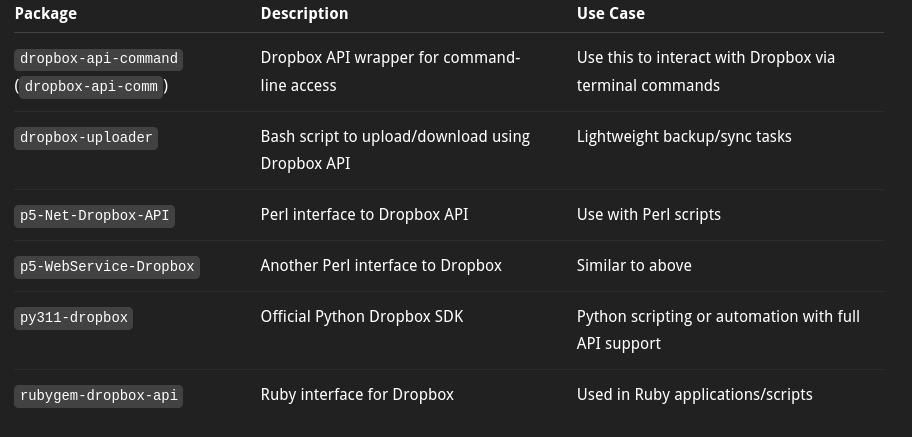
Dropbox is accessible via all web browsers, but the web interface doesn't sync with local directories in any operating system. You need the Dropbox desktop app for that on Windows, Mac, or Linux, or a mobile app. I have to assume that there is no automatic sync with the dropbox-uploader CLI app available in the Software Station.
So for GhostBSD what I decided to do is follow the Dropbox folders that I want to receive notifications for via the settings in the web interface. That sends an email to your associated email address whenever a file is uploaded or deleted from those folders. Then you can configure an email application if you like to give you a notification on your desktop to alert you to go manually download the newly uploaded file.
One low overhead and easy to set up method for notification that I use- since I have a web browser open at all times anyway- is to leave one tab logged into Yahoo email, then hide the tab using a Firefox extension so it's not in the way. And then it will pop up a notification on my desktop shortly after someone else in my group uploads a file to my followed Dropbox folder. I don't mind having to manually download new files as they come in as long as I get a fairly prompt notification on my GhostBSD desktop (and/or phone) when they do become available.